YOUR HELPDESK.INSIDE YOUR EC2.ZERO DEPENDENCIES.
A production-ready support ticket system delivered as an Amazon Machine Image. Deploy in one click, keep full root access, own every byte of your data.
One image. Three teams. Zero compromise.
The AMI ships pre-configured for the three groups that depend on ticketing most.
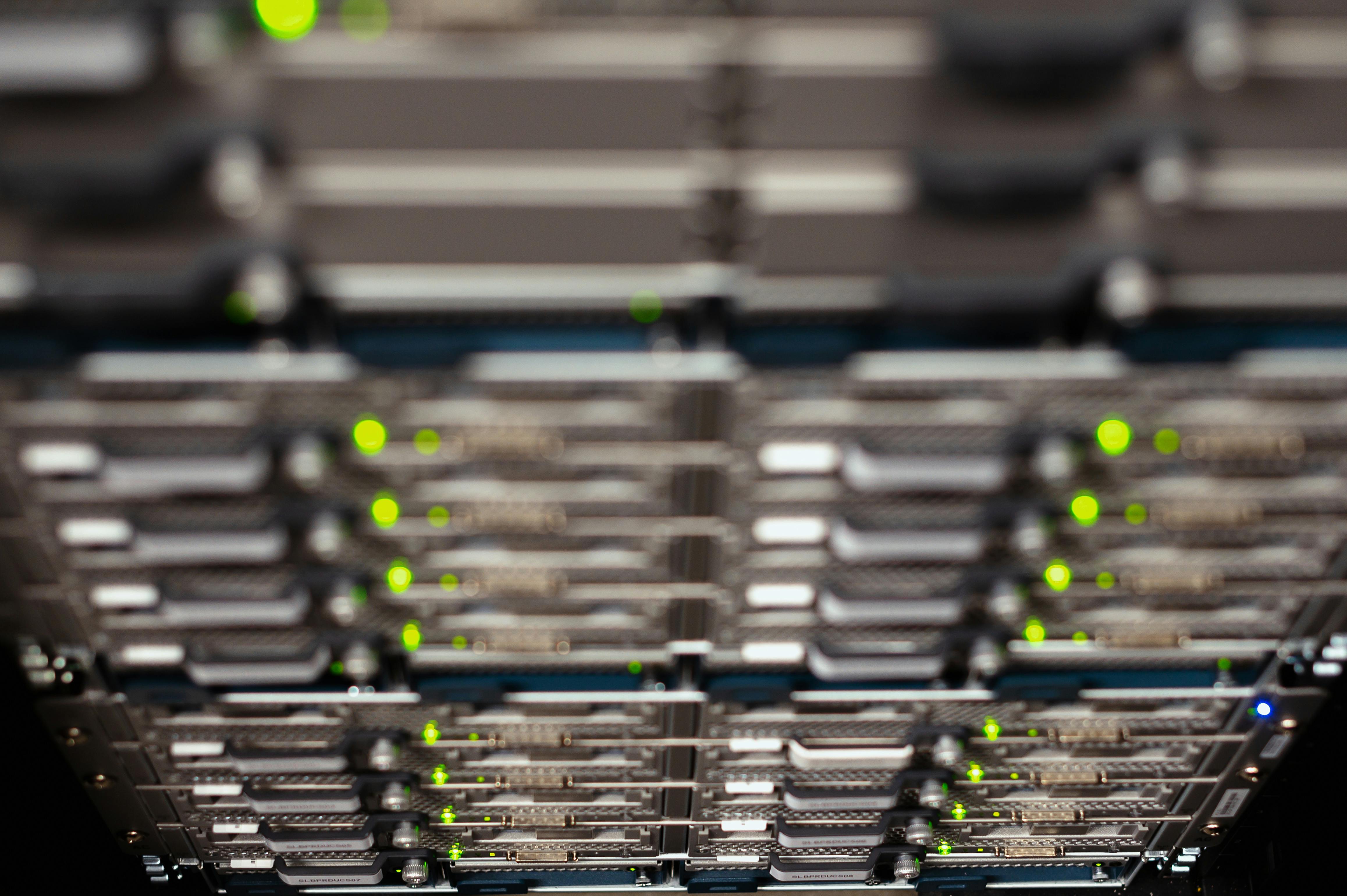
IT Teams
Total infrastructure control. Runs entirely inside your own EC2 instance with full root access, custom SSL, and no third-party data processors in the loop.
Customer Support
Sub-second ticket routing, SLA timers, canned replies and a shared inbox built for teams that live in the queue.

Internal Operations
Military-grade data privacy. Every ticket, attachment and audit log stays within your VPC boundary — compliant by architecture, not by promise.
Docs written for engineers, not marketers.
1-Click Deploy
Subscribe on Marketplace, pick your instance size, launch. SSH keys and endpoints ready in ~90 seconds.
Environment
Everything driven by a single .env — SMTP, domains, retention. No opaque control planes.
Webhooks & API
REST API + signed webhooks for Slack, PagerDuty and your own tooling.
Backups & Upgrades
Snapshot-friendly volumes and zero-downtime rolling upgrades baked in.
From inbound noise to closed ticket.
Every ticket flows through a predictable, auditable lifecycle. No black boxes — you can read the source of every automation running inside your instance.
-H "Authorization: Bearer $TOKEN" \
-d '{"subject":"Login failing","priority":"high"}'
→ 201 Created · #TK-4821 · assigned
Capture
Tickets arrive via email, web form or API and land in a unified queue with auto-assigned IDs.
Route
Rules engine tags priority, assigns owners and starts SLA timers the moment a ticket opens.
Resolve
Threaded replies, internal notes and canned responses close the loop fast — fully audited.
Open a support ticket.
Questions about deployment, licensing or scaling? Send us a ticket and a real engineer responds — typically within one business day.
Seattle, WA 98199, US